
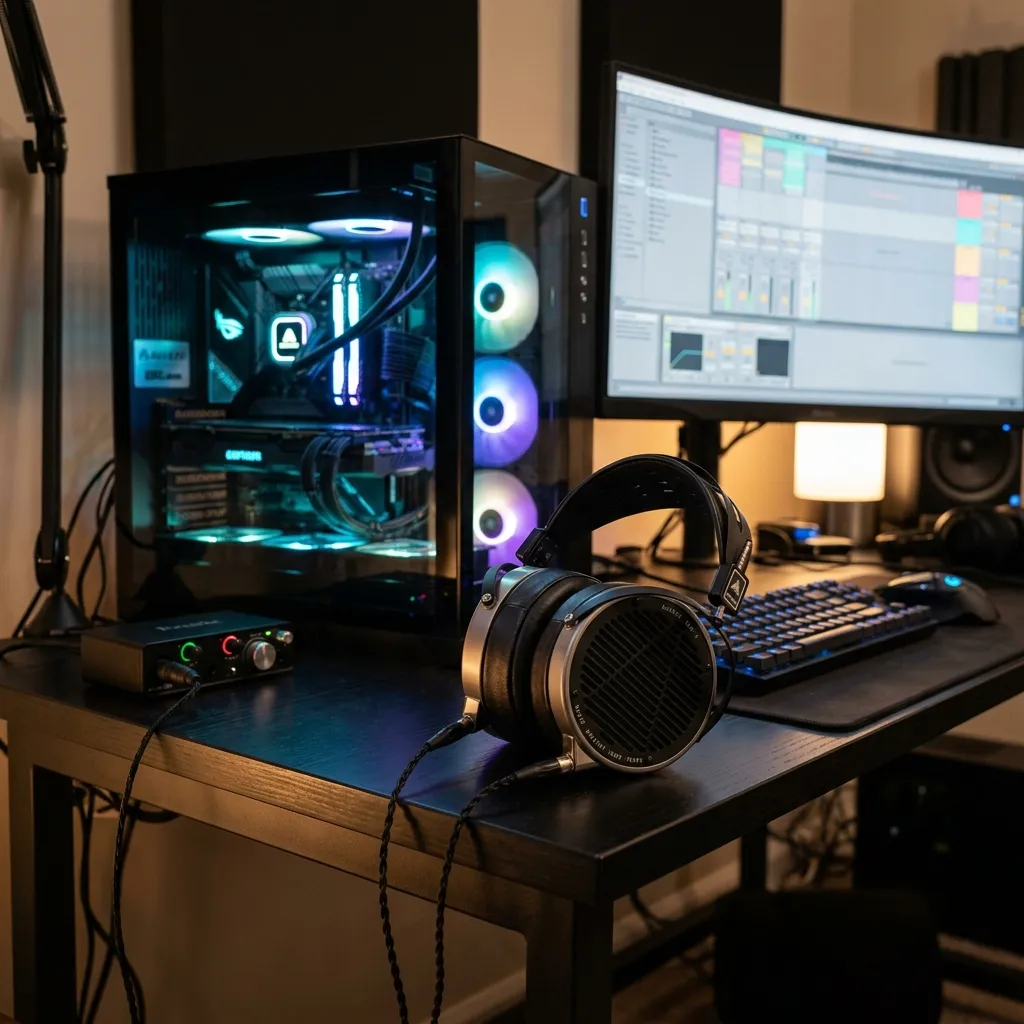
There's nothing more frustrating than booting up your favorite game or movie only to find that your sound isn't working. Audio issues are among the most common complaints for Windows users.
1. Check Your Connections
It sounds obvious, but always start by checking your physical connections. Ensure your speakers or headphones are plugged into the correct audio jack (usually the green one) and that the volume is turned up on both the device and your computer.
2. Verify the Default Playback Device
Sometimes Windows sends audio to the wrong output device (like your monitor's built-in speakers instead of your headset). Right-click the speaker icon in your taskbar, select 'Sounds', and ensure your preferred device is set as default.
3. Update Your Audio Drivers
If the physical connections and settings are correct, the culprit is almost always an outdated or corrupted audio driver (often Realtek). Updating your audio driver can instantly resolve crackling, popping, or complete lack of sound.